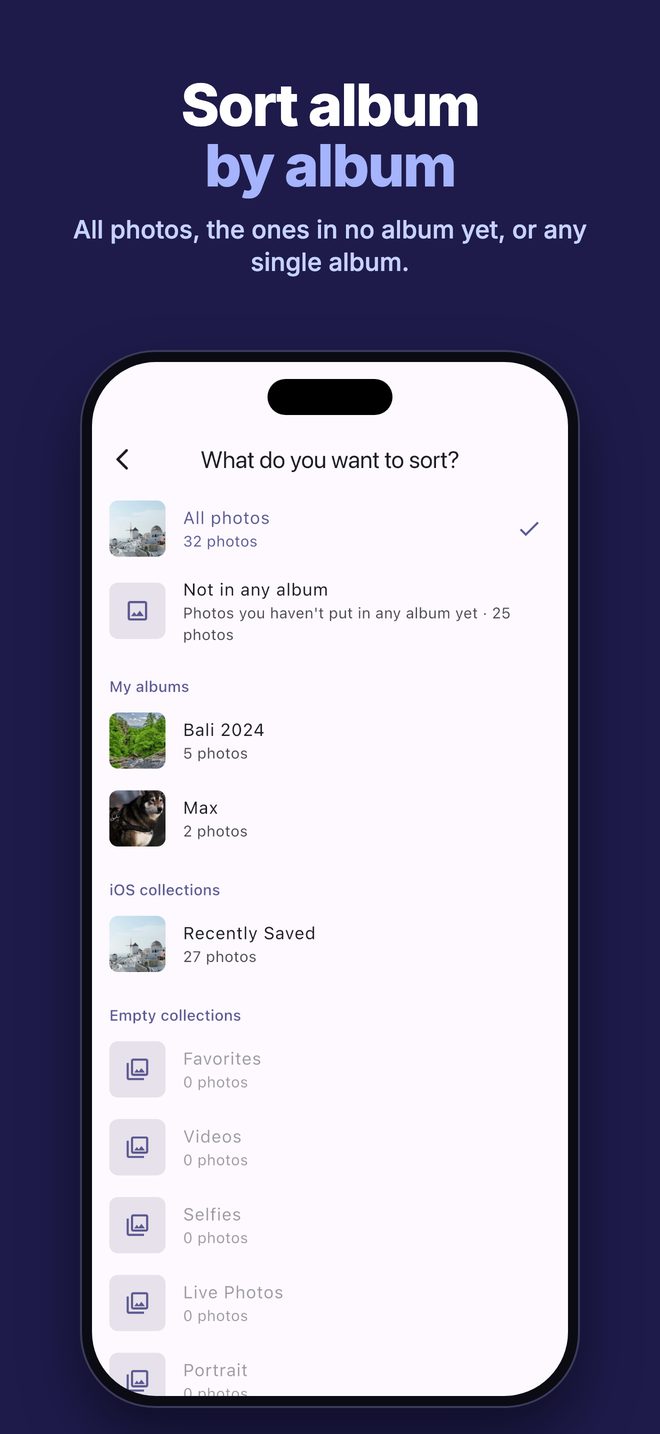
Album by album
Sort your whole library, only the photos that aren't in any album yet, or a single album such as your chat downloads or Screenshots. Every photo shows which albums it's already in.
 Photo Sensei
 shows you your photos one by one. Swipe up, down, left or right and each photo is sorted — you choose what each direction does.
Download on the App Store€0.99 once · no subscription, ever · no ads · nothing leaves your iPhone
Sort your whole library, only the photos that aren't in any album yet, or a single album such as your chat downloads or Screenshots. Every photo shows which albums it's already in.
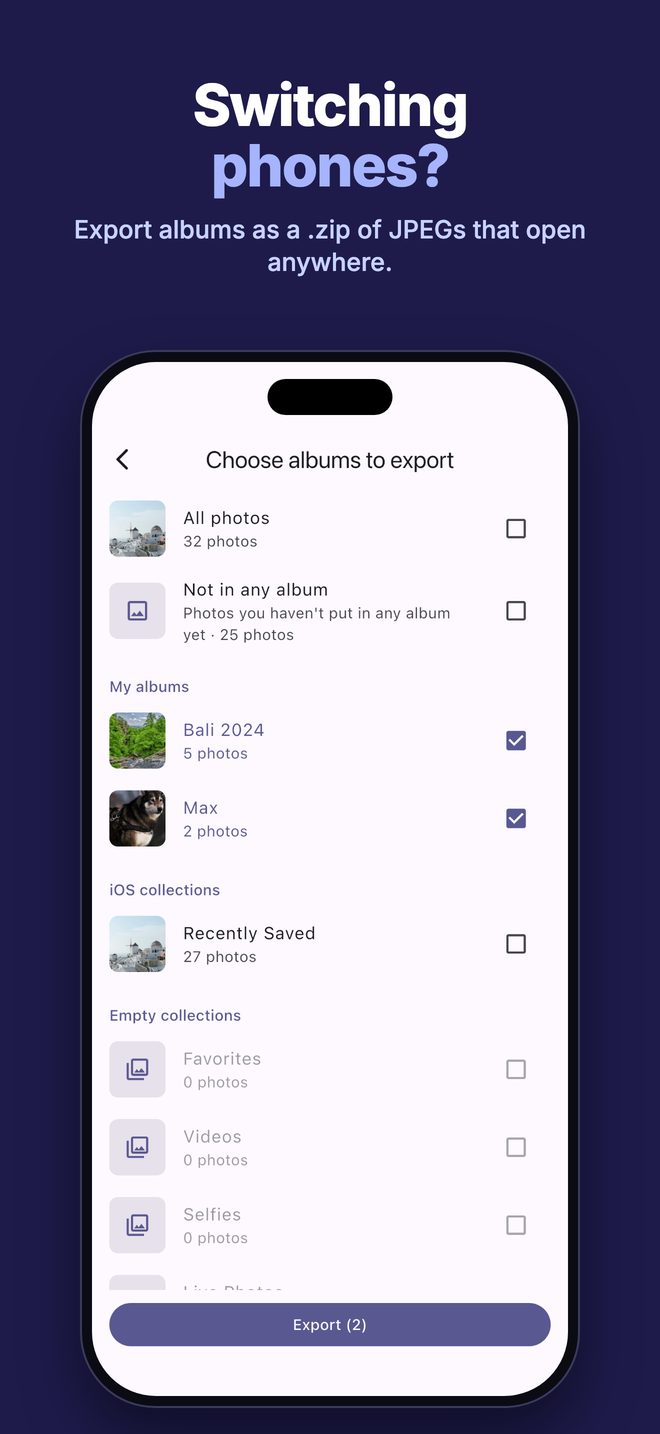
Export one or more albums as a single .zip file, one folder per album, with JPEGs that open anywhere — even on Windows. Exporting never deletes anything.
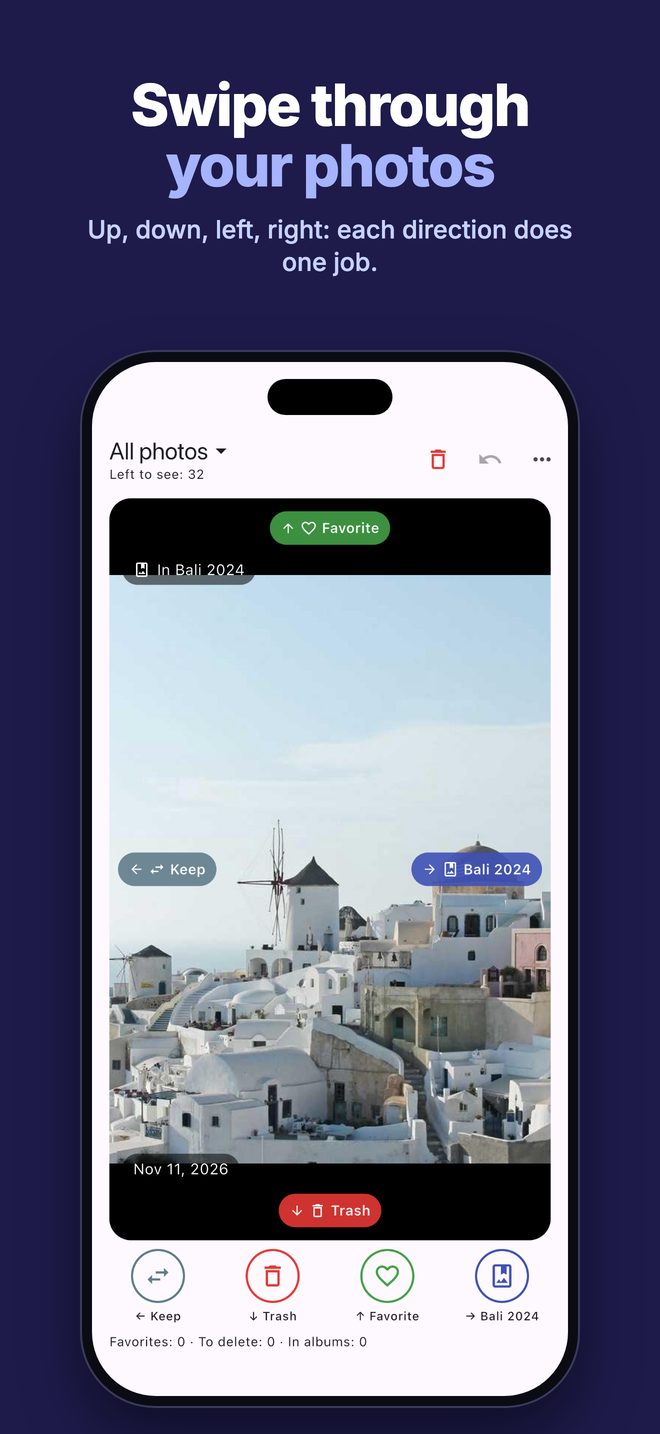
Keep, add to Favorites, move to the trash, add to an album, remove from an album or hide. Each direction does what you choose, and every decision can be undone.
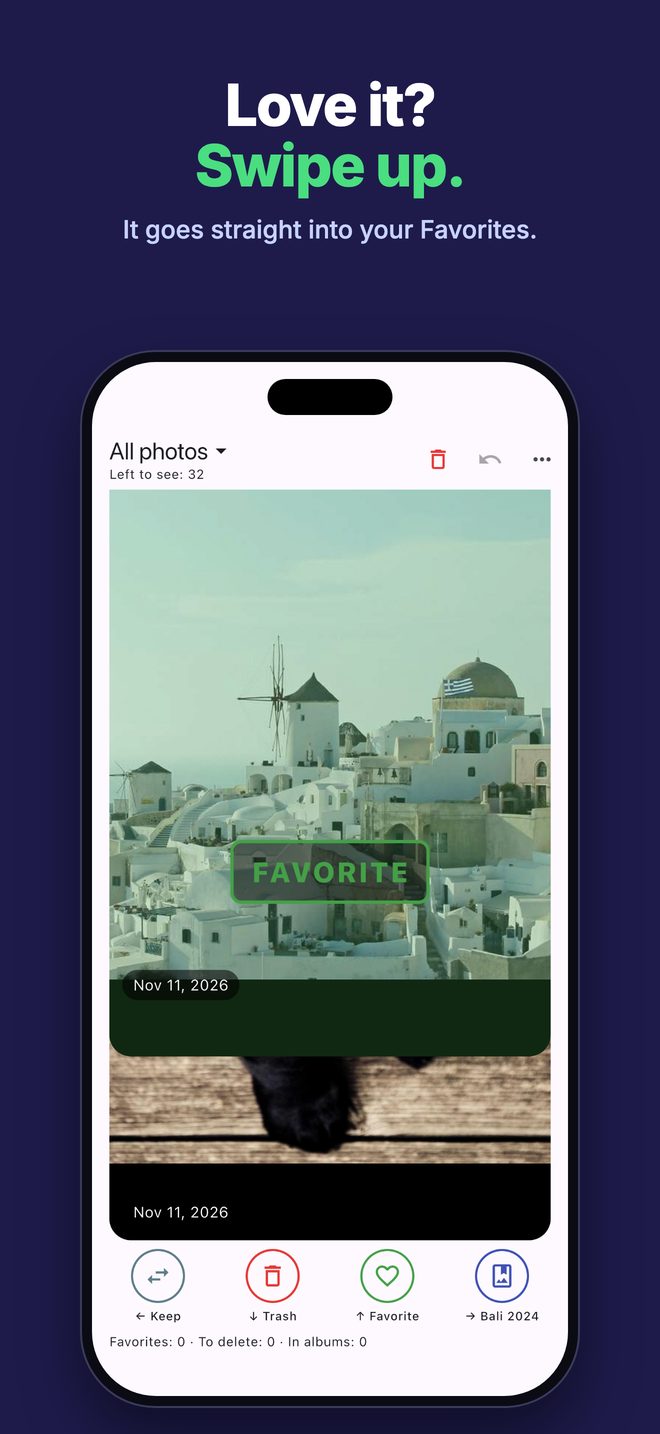
Deleted photos go to Recently Deleted, and iOS asks you to confirm just once for the whole batch. Hiding works the same way.
Photo Sensei works entirely on your iPhone. No account, no cloud, no tracking, no ads. Your photos never leave your device, and the App Store privacy label says “Data Not Collected”.
No. Photos you swipe to the trash are only marked. They move to Recently Deleted when you tap “Delete now” and confirm the iOS dialog, and you can recover them from the Photos app for 30 days.
No. Photo Sensei is a one-time purchase (€0.99 in Italy; the App Store adjusts the price in other countries). No in-app purchases, no ads.
Never. The app has no account and makes no network requests. When you export a .zip, the file is created on your iPhone and goes only where you choose to share it.
Yes. Undo reverses the last decision, including adding to or removing from an album. Photos marked for deletion or hiding stay untouched until you confirm.
JPEG copies of the photos in the albums you pick, one folder per album. JPEG opens on any computer, including Windows.
Any iPhone with iOS 13 or later. Albums and hiding need full access to your photos.
Problems or ideas? Write to info@optiapp.it.